“Free payroll software for small business” doesn't always mean free, ongoing payroll with automated tax filings and direct deposit. A listing may describe a limited free tier, a trial, an accounting ecosystem benefit, educational content, or official government tools that leave the business owner responsible for calculations, deposits, and returns.
That distinction matters because payroll errors remain common while many small businesses still rely on spreadsheets or paper processes. A widely cited 2025–2026 snapshot reports that 21% of small businesses use third-party payroll software, while 51% use spreadsheets and 19% use manual or paper processes. The same source says 60% report payroll errors during some, most, or all pay cycles. Read the payroll software market snapshot for the context behind those figures.
The list below classifies each option by what “free” means. Check employee limits, contractor eligibility, state coverage, filing responsibility, direct deposit terms, and current availability before setup. BookkeepDIY provides a neutral directory for comparing bookkeeping and payroll tools, with human-reviewed listings, pricing-model labels, concise summaries, category navigation, and notes about data freshness. For a broader accounting comparison, you can also compare QuickBooks, Xero, and Sage payroll options.
1. Gusto Free Payroll
Gusto's free payroll option is aimed at a very small operation with one employee or contractor, subject to eligibility requirements. For a founder moving from freelance income to an employer payroll process, that narrow scope can be more useful than a broad paid platform with features the business doesn't yet need.
The practical appeal is that the eligible free option can include federal and state tax filings, direct deposit setup, and employee self-service access. Those functions address the hardest question in free payroll software: whether the business still has to perform the tax work manually. Coverage can change by location and business profile, so confirm the applicable state and worker rules before entering payroll data.
A freelance consultant hiring a first employee could use the platform to establish a recurring payroll workflow, collect employee information, and provide access to pay records. A sole proprietor preparing to operate through an S corporation may also find the structure useful, but the business should confirm its entity, registration, and payroll obligations with a qualified adviser.
What to verify before relying on it
- Eligibility: Confirm that your employee or contractor count fits the free tier.
- Jurisdiction: Check whether your state is covered for tax calculations, deposits, and filings.
- Payment workflow: Set up direct deposit early, then verify funding and approval timing.
- Records: Export payroll reports regularly so accounting records don't depend on one platform.
- Employee data: Use the self-service portal to reduce repeated manual entry, but review submitted information.
- Withholding: Recheck employee withholding details when forms or personal circumstances change.
Practical rule: A free payroll tier is only free in operational terms if the included filing responsibility matches your actual tax obligations.
Gusto is therefore best viewed as an eligibility-based ongoing payroll option, not a universal free solution. Its value depends less on the feature list than on whether your worker count, state, entity, and filing needs fit the offer.

2. Wave Payroll
Wave Payroll fits businesses that already want payroll inside a wider accounting workflow. Its free payroll processing is described as available to small businesses in the United States and Canada, with tax calculations, unlimited payroll runs, and integration with Wave's accounting ecosystem. Availability and included services can differ by jurisdiction, so treat the country reference as a starting point for verification, not a substitute for checking your location.
The strongest use case is a small service business that invoices customers, tracks expenses, and pays staff in the same financial environment. A Canadian startup that needs native Canadian-dollar accounting may also prefer an integrated workflow, while a freelancer who has started hiring can avoid maintaining separate payroll and bookkeeping records.
Integration can reduce duplicate entry, but it doesn't eliminate review. The owner still needs to confirm that payroll entries reach the correct accounts, employee classifications are accurate, and tax liabilities reconcile with filed returns. A nonprofit or community organization with a tight budget may benefit from the ecosystem, but it should confirm whether its payroll needs, reporting requirements, and support expectations fit the free arrangement.
The ecosystem trade-off
Using one accounting and payroll environment can make routine bookkeeping easier. It can also make migration more important. If the business later leaves the platform, export payroll registers, tax reports, employee records, and historical adjustments in a format that can be reviewed independently.
For a practical payroll workflow, use the BookkeepDIY payroll directory to compare payroll-focused tools alongside broader finance systems.
- Workflow fit: Pair payroll with accounting only if the chart of accounts and reporting structure suit the business.
- Cash control: Process payroll on a consistent schedule and reconcile the bank activity afterward.
- Audit trail: Preserve payroll reports outside the platform, especially after each filing period.
- Mobile work: If mobile processing is available for your account, test approvals and review steps before depending on it.
- Scope: Verify employee, contractor, province, state, and tax-service eligibility separately.
Wave is best classified as ecosystem eligibility, not just “free payroll for everyone.” The integration may be the main reason to choose it, but the same integration makes accurate setup and regular exports more important.
3. Square Payroll
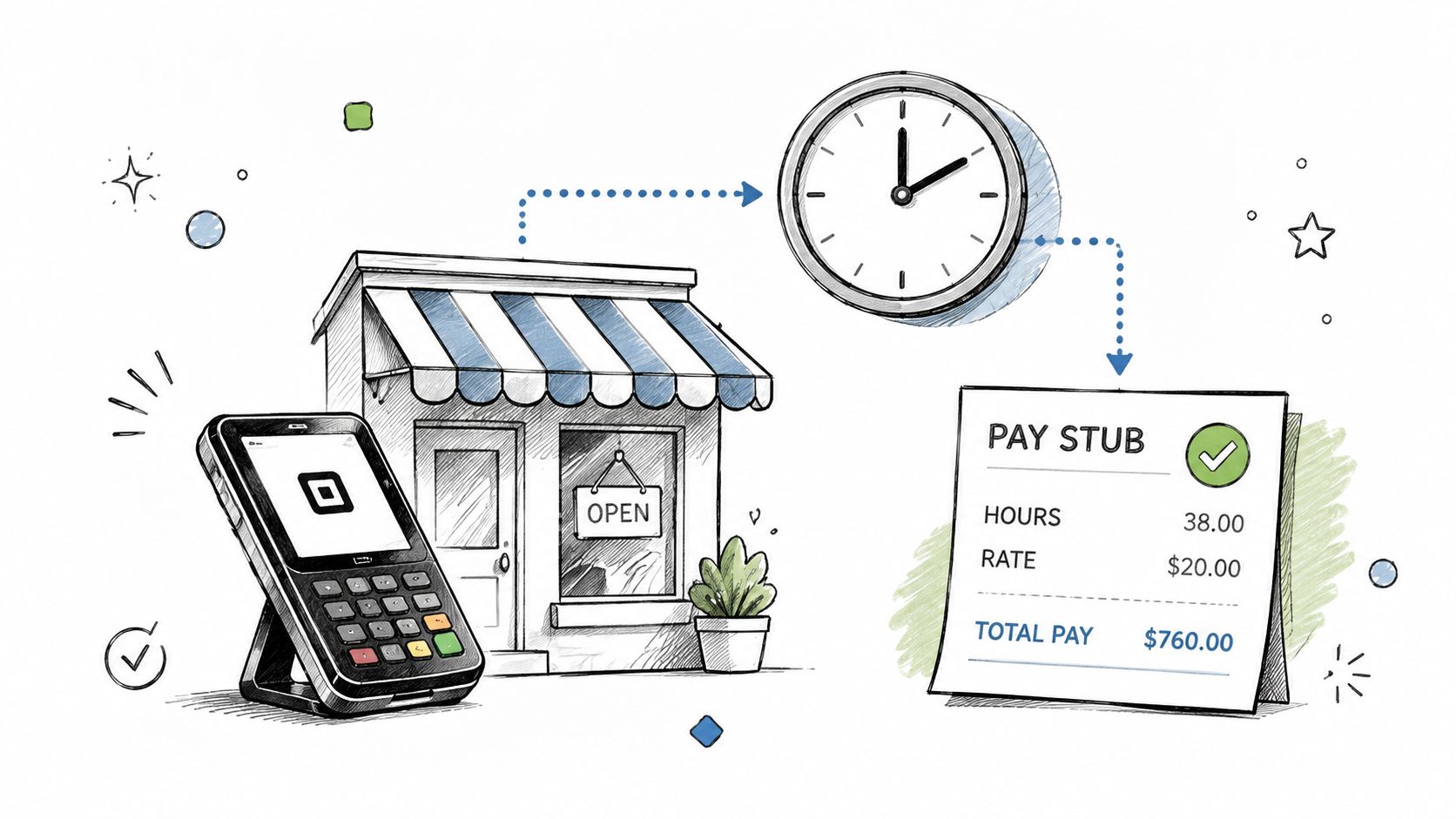
Square Payroll is most relevant when the business already uses Square for payment processing or point-of-sale operations. The payroll workflow can connect payment activity with employee hours, scheduling, tax calculations, and direct deposit, creating a stronger fit for businesses where shifts and sales already live in the Square environment.
A restaurant can use the model to coordinate kitchen schedules and payroll. A salon or spa may connect bookings, staff hours, and payment reporting, while a retail shop or coffee business can reduce the handoff between shift managers and payroll administration. These examples illustrate the key condition: the “free” value is tied to the surrounding Square ecosystem, not merely to payroll software in isolation.
The owner should still validate how hours are approved. Automated time data can reduce rekeying, but an incorrect schedule, missed break, or unapproved shift can flow into payroll just as efficiently as accurate data. Managers need a clear responsibility for reviewing hours before payroll runs.
Where Square's fit is strongest
- Existing ecosystem: Confirm that the business's Square payment and scheduling setup qualifies for the payroll arrangement.
- Time records: Connect time tracking where available, then require manager approval before processing.
- Reconciliation: Compare payroll totals with Square reports and the accounting ledger.
- Payroll cadence: Establish a repeatable approval and funding routine so managers know their deadlines.
- Access controls: Limit payroll permissions to people who need to edit hours, approve runs, or review tax information.
- Mobile oversight: Test mobile workflows with managers before making them part of the control process.
Square Payroll is therefore an ecosystem-based free option. It can be efficient for a shift-based business already using Square, but it may be a poor fit for an office with no Square payment or scheduling workflow. The right question isn't whether the product has payroll features. It's whether the business already meets the ecosystem conditions that make those features economical.
A business evaluating related tools can review BookkeepDIY's Gusto tool listing as part of a category-based comparison, while confirming current terms directly with each provider.
4. Patriot Software Payroll
Patriot Software presents a free payroll tier for very small businesses and sole proprietors. The described offer includes automatic tax calculations, unlimited payroll runs, and compliance document generation, without requiring credit card information. Those conditions make it suitable for testing a payroll workflow before committing money, but they don't remove the need to verify the exact tax-service scope and worker eligibility.
A sole proprietor hiring a first employee could use the free tier to learn how hours, wages, deductions, and payroll records move through the system. A seasonal business paying occasional contractors may also appreciate a low-commitment starting point, although contractor payments and employee payroll should be evaluated separately. A consultant testing payroll software should export records during the evaluation rather than assuming that future access will preserve every setup detail.
Test the process, not just the interface
A free tier can look adequate during setup and become unsuitable during a real payroll cycle. Enter representative worker information, review the tax calculations, inspect the resulting reports, and determine who is responsible for deposits and filings. If time tracking is available, compare imported hours with the original record before approving payroll.
- Start small: Use the free tier to document the workflow before adding more workers or complexity.
- Preserve records: Export payroll reports and incorporate them into the accounting archive.
- Review withholding: Check employee withholding information at regular review points and after changes.
- Use education carefully: Knowledge-base material can explain a process, but it doesn't replace jurisdiction-specific confirmation.
- Assess support: Determine what assistance is included before a filing problem occurs.
A free plan can lower the cost of experimentation, but it can't lower the owner's responsibility to verify payroll outputs.
Patriot is best classified as ongoing free processing for a narrow business profile, with a potential upgrade path as requirements expand. That makes it more useful than a trial for a qualifying microbusiness, but the owner should identify the point at which employee count, multi-state work, reporting, or support needs will require a different plan.
5. ADP Run by ADP Free Trial and Community Resources
ADP Run belongs in this list, but not as ongoing free payroll software. Its primary offering is paid, while its free trial, webinars, guides, templates, and community resources can help a small business evaluate payroll operations before selecting a long-term arrangement.
The trial is most useful when the owner prepares first. Write down the intended pay schedule, worker types, state registrations, accounting workflow, and questions about tax filings before activating access. A growing startup can use the trial to test the platform's fit, while an accountant or office manager can use educational materials to build a more informed implementation plan.
The free resources also have a role after the trial ends. Templates can provide a backup structure for manual records, and compliance guides can help an owner understand terminology and deadlines. They shouldn't be mistaken for automated filing. If the business manually processes payroll, the business remains responsible for calculations, deposits, filings, and record retention.
Make a trial produce evidence
- Prepare inputs: Gather worker, bank, tax, and registration information before the trial begins.
- Test outputs: Review payroll registers, tax reports, employee records, and accounting exports.
- Check responsibility: Identify which filings the provider handles and which remain with the employer.
- Save resources: Download permissible templates and guides for reference, not as proof of compliance.
- Ask support questions: Use the trial to clarify state coverage, direct deposit timing, integrations, and migration.
ADP Run is therefore a limited trial plus educational support option. It can answer whether a paid platform fits a growing operation, but it doesn't satisfy a search for permanently free automated payroll. The distinction prevents a common mistake, choosing a product because the trial feels complete, then discovering that the ongoing workflow depends on paid access.
6. OnPay Free Trial and Educational Resources
OnPay offers a 30-day free trial of its full payroll platform, along with guides, calculators, checklists, webinars, and other educational resources. The trial gives a small business an opportunity to examine a complete workflow, while the free content remains useful even if the business doesn't continue with the software.
That makes OnPay a research and validation resource rather than ongoing free payroll. A business owner becoming an employer can use the trial to test setup, worker records, pay schedules, tax workflows, reporting, and accounting handoffs. A consultant advising small clients can use the educational material to explain payroll concepts without forcing every client into the same platform.
The trial should have a defined test plan. Don't spend the entire access period entering data without reviewing outputs. Create a written list of the transactions and reports the business needs, then test those items in a controlled sequence.
Questions the trial should answer
- Can setup match the business? Check worker classifications, pay types, deductions, and payroll frequency.
- Are jurisdictions covered? Confirm every state or local obligation relevant to the workforce.
- Who files taxes? Read the service scope carefully and identify employer responsibilities.
- Does accounting reconcile? Export payroll data and compare it with the ledger.
- What happens afterward? Save useful reports and determine how records can be exported if the business doesn't subscribe.
Use the free calculators and compliance checklists as learning aids or backup tools. They can improve the owner's understanding, but a calculator doesn't create a filing, and a checklist doesn't confirm that a particular state rule has been satisfied.
OnPay is best classified as trial access plus educational support. It's a sensible option for businesses that want to test a full workflow before paying, but it shouldn't appear in a comparison as though the payroll service remains free indefinitely.
7. Zen Payroll Now Gusto Learning Resources and Free Tier
Zen Payroll is now associated with Gusto, so the relevant resource today is Gusto's free learning material and any current eligible free tier, not a separate standalone Zen Payroll product. The educational side can help a freelancer understand employer obligations before hiring, while the software side may provide an ongoing payroll entry point for a qualifying business.
This pairing is useful because software selection and payroll literacy solve different problems. A glossary or webinar can explain terms such as withholding, employee classification, and payroll filings. It can't determine whether the business's specific state, entity, worker count, or tax account is covered by a free plan.
A startup could study the educational content while setting up its first payroll process, then use the eligible tier if the business meets the provider's current conditions. A small business owner can also use templates to map required information before entering it into software. That preparation reduces the risk of treating onboarding screens as a substitute for compliance planning.
Use learning resources as a verification aid
- Clarify terminology: Build a short internal glossary for owners, managers, and bookkeepers.
- Prepare documents: Use templates to identify missing worker, tax, and banking information.
- Test understanding: Explain who approves hours, who funds payroll, and who monitors filing notices.
- Confirm current terms: Check the active Gusto plan, state coverage, employee eligibility, and filing scope.
- Separate education from service: Keep educational material as reference, but rely on the actual provider agreement and official requirements for decisions.
This option is best classified as learning support paired with an eligible free tier. It can help a new employer make better decisions, but the educational content doesn't expand the free tier's eligibility or guarantee that automated filing is included.
The historical name also creates a verification issue. Search results and older references may use Zen Payroll, while current setup, pricing, and product terms need to be checked under Gusto's active offering.
8. IRS and Government Free Payroll Resources and Self-Service Tools
Official government resources are free in a different sense. The IRS and state labor departments publish withholding guidance, payroll instructions, calculators, forms, and compliance materials that let an owner process payroll manually or verify software results. These tools don't provide a unified commercial payroll workflow, and they generally don't remove the employer's responsibility for calculating wages, making deposits, filing returns, or maintaining records.
This approach can suit a solo entrepreneur paying contractors, a very small household-employer arrangement, or a nonprofit with simple payroll administration. It can also serve as an interim control while the owner evaluates software. A business with hourly workers, multiple jurisdictions, variable pay, or frequent corrections may find manual administration harder to control, even when the official information is authoritative.
Start with IRS Publication 15, Circular E, then check the applicable state labor and tax department requirements. Use the IRS withholding calculator to verify W-4 information, but keep the calculation date and inputs with the payroll record. State rules can add requirements that federal guidance doesn't cover.
Build a manual control system
- Gather source documents: Maintain W-4 and W-9 information, EIN records, bank details, and state registrations.
- Track each run: Record gross wages, deductions, net pay, employer taxes, deposits, and filing confirmations.
- Cross-check jurisdictions: Review state requirements alongside federal guidance instead of assuming one source covers everything.
- Protect records: Restrict access to sensitive employee information and retain organized copies of forms and reports.
- Use reminders: Calendar tax deposits, quarterly filings, annual forms, and review dates.
- Reconcile: Compare payroll records with bank activity and accounting entries after each run.
For plain-language bookkeeping and tax workflow comparisons, consult the BookkeepDIY tax compliance directory.
Government tools are best classified as official self-service resources, not free payroll software. They avoid vendor lock-in, but they transfer more work and control responsibility to the employer. That trade-off can be acceptable for simple payroll, provided the business has a documented process and enough time to maintain it.
Top 8 Free Payroll Solutions for Small Businesses
| Tool | Core features | UX & Quality | Price & Value | Best for 👥 | Standout ✨🏆 |
|---|---|---|---|---|---|
| Gusto Free Payroll | Automated federal/state tax filings, direct deposit, employee self-service, accounting integrations | Modern UI, mobile app, scalable, ★★★★ | 💰 Free for eligible single-employee businesses; paid as you grow | 👥 Single-employee startups, freelancers hiring first hire | ✨ Streamlined onboarding & payroll templates |
| Wave Payroll | Unlimited payroll runs, tax form generation (W‑2/T4), direct deposit, native Wave Accounting sync | Simple for Wave users, community support, ★★★★☆ | 💰 Completely free (US & CA), no transaction fees | 👥 Budget-conscious small businesses using Wave | ✨ Free unlimited payroll + native accounting 🏆 |
| Square Payroll | POS & scheduling sync, automatic tax calc/filings, direct deposit, time-tracking | Mobile-first, tight POS integration, ★★★★ | 💰 Free when using Square payment processing | 👥 Retail, restaurants, salons using Square ecosystem | ✨ Hours sync with POS to cut manual entry |
| Patriot Software Payroll | Unlimited runs, tax form generation (W‑2/941), direct deposit, time-tracking, no credit card required | Basic UI, easy onboarding, ★★★☆ | 💰 True free tier (no CC); paid upgrades for extra features | 👥 Very small businesses, sole proprietors, microbusinesses | ✨ No-credit-card free tier; built-in tax forms |
| ADP Run (Free trial + resources) | Full payroll platform, templates, calculators, webinars, community forums, compliance guides | Enterprise-grade reliability, rich resources, ★★★★☆ | 💰 30‑day free trial → paid enterprise pricing | 👥 Growing businesses evaluating enterprise payroll | ✨ Extensive compliance resources & brand trust 🏆 |
| OnPay (Free trial + resources) | 30‑day trial, payroll calculators, compliance library, setup consultation, webinars | User-friendly, strong trial support, ★★★★ | 💰 30‑day free trial; paid plans after trial | 👥 Small biz owners wanting simple, compliant payroll | ✨ Expert setup consult + lasting free guides |
| Zen Payroll (Now Gusto), Learning + Free Tier | Free Gusto tier, blog, webinars, templates, compliance guides, glossary | Modern platform design, updated content, ★★★★ | 💰 Free tier for qualifying businesses; paid as you scale | 👥 Small businesses seeking education + affordable payroll | ✨ Continuous learning library + practical templates |
| IRS & State Gov Resources | Official withholding calculators, forms (W‑4/W‑9), deposit schedules, state tax guides, EIN app | Authoritative and current but manual, ★★★☆ | 💰 Completely free; no vendor lock‑in | 👥 Solo owners, nonprofits, very small/simple payrolls | ✨ Authoritative compliance resources; reliable backup 🏆 |
Test the Workflow Before Trusting the Tool
The safest way to choose free payroll software for small business is to test the workflow, not just the signup page. Begin by classifying the offer as free, freemium, trial, ecosystem-eligible, educational, or manual. A trial can demonstrate capabilities without providing a permanent service. An educational resource can improve payroll knowledge without calculating or filing anything. An ecosystem offer may be free only when the business already uses a qualifying accounting or payment product.
Confirm the operating boundaries before importing real records:
- Employee count: Verify the number and type of workers allowed under the current offer.
- Contractors: Check whether contractor payments, W-9 collection, and year-end reporting are supported.
- State coverage: Confirm every state and local jurisdiction connected to your workers.
- Tax responsibility: Identify whether the provider calculates, deposits, files, or only helps you prepare returns.
- Direct deposit: Review whether it's included, what setup is required, and how funding works.
- Payroll runs: Check for limits, off-cycle restrictions, correction rules, and approval requirements.
- Accounting fit: Export or sync payroll data, then confirm that liabilities and expenses reconcile correctly.
- Support: Determine whether help is self-service, community-based, or included with the plan.
Prepare the information the system will need. That normally includes W-4 forms for employees, W-9 information for contractors, the EIN, bank details, and state registration information. Don't use a free plan as an excuse to skip registration or documentation. A system can process incomplete data quickly, but it can't make missing information accurate.
Run a controlled test payroll before trusting the tool with a live pay cycle. Review gross wages, deductions, employer taxes, net pay, tax liabilities, employee pay records, and accounting entries. If the provider says it handles filings, confirm what confirmation or filing record you'll receive. If the business must file manually, create a calendar for deposits and returns before the first payroll is approved.
Export records during the evaluation. Save payroll registers, tax reports, employee documents, payment confirmations, and setup notes in an accessible archive. This step exposes a hidden cost of free plans, migration and support burden. Coverage limits, weak integrations, limited reporting, or minimal assistance can make a free plan impractical as headcount, bonuses, locations, or statutory requirements become more complex. Recent coverage emphasizes that free payroll often works as a short-term bridge rather than a durable operating system. Review current commentary on free payroll software limitations.
Choose the simplest verified fit, not the longest feature list. A narrow free tier with included filing may be more useful than a broad trial that leaves you responsible for every tax deadline. Conversely, a manual government workflow may suit a simple arrangement if you can maintain accurate records and complete every required filing.
BookkeepDIY can help narrow the research by category, show pricing-model labels such as Free trial and Freemium, provide plain-language definitions, and flag freshness limitations. Use the directory to build a shortlist, then confirm current eligibility, coverage, and responsibilities with the provider or relevant government agency. For additional context on top payroll providers in 2025, treat published comparisons as starting points rather than final purchasing decisions.
BookkeepDIY organizes bookkeeping and payroll tools by category, labels how each pricing model works, and provides concise, human-reviewed summaries for small businesses. Visit BookkeepDIY to compare payroll resources, clarify unfamiliar accounting terms, and build a verified shortlist before your next payroll run.