
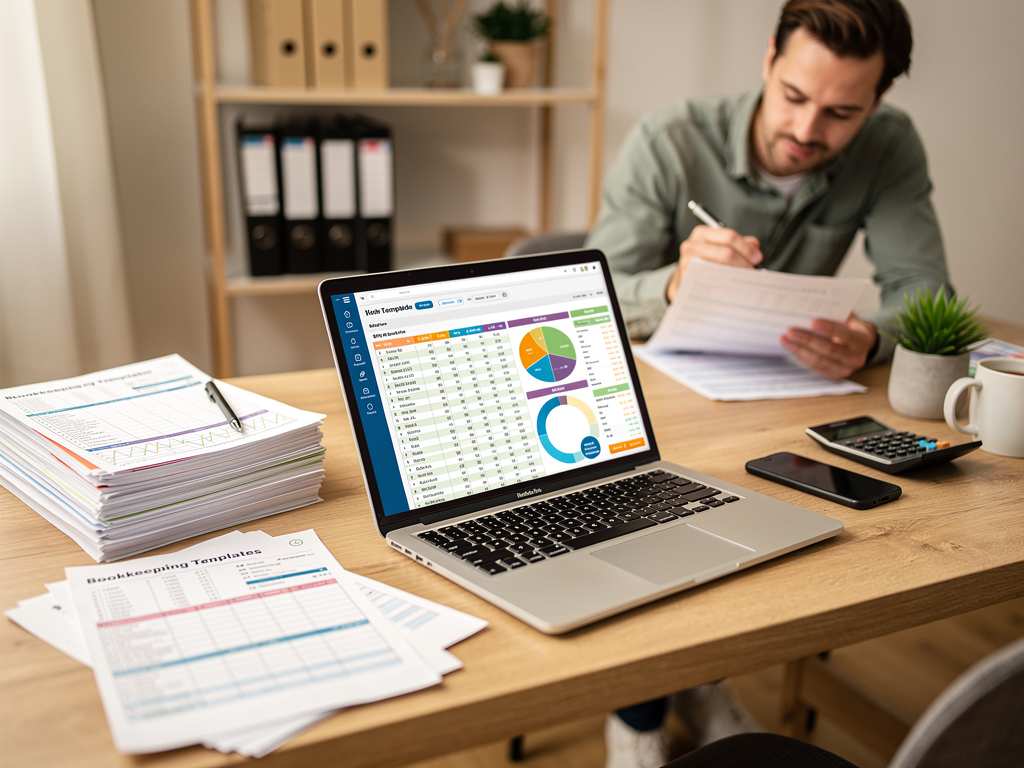

Bookkeeping templates save you from staring at a blank spreadsheet wondering where to start. You don't need to build systems from scratch or pay for expensive software when you're getting started. The right free template can get you recording transactions, tracking expenses, and understanding your cash position without the overhead.
This guide covers five essential bookkeeping templates every small business should have: what each one does, when to use it, and how to customize it for your workflow. All of these work in Google Sheets or Excel, cost nothing, and scale from hobby side-hustle to six-figure business.
Where to Find These Templates (and What to Avoid)
The best template is the one you'll use. Here are reliable sources for the five templates above:
Google Sheets Template Gallery: Search "small business budget," "invoice tracker," or "expense report." Google's native templates are basic but functional, and they integrate with your Google account for automatic backup.
ReceiptsAI: Offers free budget and expense tracking templates specifically designed for small business owners who want to simplify their bookkeeping. Their templates integrate seamlessly with receipt scanning and automated expense categorization tools.
Microsoft Excel Templates: File > New > Search "bookkeeping," "invoice tracker," or "cash flow." Excel templates often include more complex formulas and conditional formatting than Google Sheets.
SCORE.org: Free business planning and bookkeeping templates designed for small businesses. Their templates include instructions and examples specifically for US-based businesses.
Vertex42: A long-standing resource for free Excel templates. Their bookkeeping and invoice trackers are clean, professionally designed, and well-documented.
Smartsheet: Offers a comprehensive collection of 23 free bookkeeping templates for various business needs.
Your accounting software: QuickBooks, FreshBooks, and Xero offer free downloadable templates even if you don't use their paid services. Look for "resources" or "tools" sections on their websites.
Video Tutorial: Getting Started with Free Bookkeeping Templates
For visual learners, here's a comprehensive walkthrough of setting up your first bookkeeping spreadsheet:
This tutorial covers the fundamentals of setting up your income and expense tracking, creating categories that match your tax needs, and building formulas that automatically calculate your totals.
The Basic Accounting Template: Track Income and Expenses
Every business needs a simple ledger. Not accounting software. Not automation. Just a clean place to record what came in and what went out, organized by category and date. This is your foundation. Everything else builds on it.
What this template tracks
- Date: When the transaction happened (not when you recorded it)
- Description: What the transaction was for
- Category: Income type (sales, services, affiliate) or expense category (software, travel, office)
- Amount: Positive for income, negative for expenses
- Payment method: Cash, credit card, bank transfer, check
- Notes: Client names, invoice numbers, anything you'll need later
When to use it
Use this for businesses with simple transaction volumes (under 100 per month) or as a backup to capture transactions when your main system is down. Many freelancers run their entire bookkeeping on a template like this for their first year.
How to customize it
Add columns that match your tax situation. If you collect sales tax, add a "Sales Tax" column. If you have multiple income streams, split the "Income" category into specific services or products. If contractors are a big expense, create a separate "Contractor Payments" category instead of dumping everything under "Professional Services."
Set up data validation for your categories so you don't end up with "Software," "SaaS," "Apps," and "Tools" all meaning the same thing. Consistency makes year-end summaries automatic.
The Invoice Tracker: Know Who Owes You
Sending invoices is only half the job. Tracking which ones are paid, which are overdue, and which clients consistently need reminders keeps your cash flow predictable. An invoice tracker prevents the awkward "Hey, just checking on that invoice from three months ago" conversation.
What this template tracks
- Invoice number: Sequential, unique identifier
- Client name: Who you're billing
- Invoice date: When you sent it
- Due date: Net 15, Net 30, or whatever terms you agreed on
- Amount: What they're supposed to pay
- Status: Sent, Viewed, Paid, Overdue, or Written Off
- Payment date: When it was actually paid
- Payment method: How they paid (for fee tracking)
- Notes: Follow-up dates, partial payment details, disputes
When to use it
Essential if you invoice more than five clients per month or offer payment terms instead of taking payment upfront. The tracker becomes your accounts receivable system. At a glance, you know exactly what you're owed and how old each invoice is.
How to customize it
Add conditional formatting so overdue invoices turn red automatically. Include a "Days Overdue" column that calculates from the due date. If you offer early payment discounts or charge late fees, add columns to track those amounts separately.
Link this to your basic accounting template by referencing the invoice number in your expense/income log. When a client pays, record it in both places: the tracker updates to "Paid," and your accounting template records the deposit.
The Expense Categories Template: Simplify Tax Prep
Come tax season, your accountant doesn't want 500 individual transactions. They want expenses organized into categories that match Schedule C or your country's equivalent. An expense categories template groups your spending by tax-relevant buckets, making deductions obvious and defensible.
What this template tracks
- Category name: Advertising, Meals, Travel, Office Supplies, etc.
- Annual total: Sum of all expenses in that category
- Percentage of revenue: How much this category represents (spot overspending)
- Receipt count: How many receipts support this total
- Notes: Special circumstances, mixed-use calculations, deprecation items
The categories that matter
Most small businesses need these buckets:
- Advertising & Marketing (ads, sponsorships, printing, business cards)
- Meals (business purpose only, usually 50% deductible)
- Travel (airfare, lodging, ground transportation—separate from commuting)
- Office Supplies (consumables under $2,500 or your capitalization threshold)
- Software & Subscriptions (monthly SaaS, annual renewals, apps)
- Professional Services (accountants, lawyers, consultants, coaches)
- Contractors & Freelancers (payments to non-employees, 1099-triggering amounts)
- Equipment (capital assets over your threshold, tracked for depreciation)
- Insurance (business liability, E&O, sometimes health if self-employed)
- Bank & Processing Fees (account fees, credit card processing, PayPal/Stripe charges)
When to use it
Update this monthly or quarterly, not once a year. The template pulls from your basic accounting sheet, summing each category. When you see "Meals" hitting 15% of revenue, you know something's off before tax season panic sets in.
How to customize it
Add columns for tax year comparison (2025 vs. 2026) to spot trends. If you operate in multiple states or countries, split categories by jurisdiction. Include a "Documentation Status" column: receipts attached, missing, or not required.
The Cash Flow Projection: Predict Problems Before They Happen
Revenue doesn't equal cash in the bank. A cash flow projection template shows you when money comes in, when it goes out, and whether you'll have enough to cover upcoming obligations. This is the difference between surprised overdrafts and strategic decisions.
What this template tracks
- Starting balance: Cash on hand at the beginning of the period
- Expected income: Invoices due, recurring revenue, projected sales
- Expected expenses: Fixed costs (rent, subscriptions), variable costs (contractors, ads), and one-time items (equipment, conference fees)
- Net cash flow: Income minus expenses for the period
- Ending balance: What you should have if projections hold
- Buffer/drawdown: How many months you can survive at current burn rate
The projection timeline
Most small businesses need two views:
- Weekly: For tight cash situations or when awaiting large payments
- Monthly: For standard operations and quarterly planning
- Quarterly: For annual planning and major expense decisions
When to use it
Critical if you offer payment terms (Net 30/60), have seasonal revenue, or maintain less than three months of operating expenses in the bank. Update your projections whenever a significant invoice is paid late or a large expense arrives early.
How to customize it
Add probability weighting to uncertain income ("80% chance this deal closes" = count 80% of the value). Include a "worst case" and "best case" scenario for the next 90 days. If you have a line of credit, add available credit to your "effective cash" calculation.
Color-code the ending balance: green for three-plus months runway, yellow for one to three months, red for under 30 days. Visual urgency drives action faster than numbers alone.
The Mileage Log: Document Vehicle Deductions
If you drive for business, you get a deduction. Either track actual expenses (gas, maintenance, insurance) or use the standard mileage rate. Either way, the IRS and most tax authorities require a contemporaneous log. Not estimates. Not reconstructed records after the fact. A log kept as you drive.
What this template tracks
- Date: When the trip occurred
- Starting location: Address or business name
- Destination: Address or business purpose
- Business purpose: Client meeting, supply run, conference—be specific
- Starting odometer: Reading at trip start
- Ending odometer: Reading at trip end
- Total miles: Calculated or logged
- Personal vs. business: Allocation if the trip was mixed
Standard mileage vs. actual expenses
The 2025 standard mileage rate is $0.70 per mile (check current rates for your tax year). If you drive 8,000 business miles, that's $5,600 in deductions. To use actual expenses instead, you need every receipt for gas, maintenance, insurance, and depreciation, plus the business-use percentage.
Most small businesses start with standard mileage because it's simpler. Switch to actual if you have an expensive vehicle, high maintenance costs, or low annual mileage with high fixed costs.
When to use it
Every time you drive for business. Not once a week. Not from memory. When you turn off the engine, log the trip. Apps like MileIQ or Everlance automate this, but a simple spreadsheet works if you're consistent.
How to customize it
Add client or project tags so you can bill mileage back when contracts allow. Include a "Reimbursed" checkbox so you don't double-deduct expenses the client covered. If you use actual expenses, add columns for gas, maintenance, and insurance allocations annually.
Video: How to Organize Your Receipts for Tax Season
Since template use and receipt organization go hand-in-hand, here's our guide to organizing receipts effectively:
Red flags to avoid
Templates that require macros or external scripts: Security risks and compatibility headaches. Stick to formulas and pivot tables.
Overly complex templates with 50+ tabs: You'll abandon them by February. Simple wins.
Templates that don't match your tax jurisdiction: US Schedule C categories differ from UK Self Assessment or Australian BAS. Adapt or find region-specific versions.
Paid templates marketed as "free": Many sites offer a download that turns out to be a trial or requires email capture that leads to endless sales emails. Check the actual file format and requirements before committing.
Putting It All Together: A Simple Monthly Workflow
Templates only work if you use them consistently. Here's a 30-minute monthly workflow that keeps your books clean:
Week 1: Update your basic accounting template. Import bank transactions or enter them manually. Categorize everything.
Week 2: Review your invoice tracker. Send follow-ups on anything past due. Update payment status on received payments.
Week 3: Update your expense categories summary. Check totals against your budget or expectations. Spot-check receipts for large expenses.
Week 4: Update your cash flow projection for the next 90 days. Confirm your mileage log is current. Review your ending cash buffer.
If you have a CPA or bookkeeper, send them the expense categories summary and basic accounting template quarterly. They'll ask for the details they need, and you'll look organized and prepared.
Additional Resources
For more bookkeeping guidance, check out these related resources:
- Avalon Accounting's Free Bookkeeping Template Guide - Step-by-step walkthrough
- Shoeboxed Accounting Spreadsheet Templates - Google Sheets focused
- Spreadsheet Point Google Sheets Templates - For users with no spreadsheet experience
Conclusion
You don't need expensive software to keep good books. You need consistent habits and the right templates. Start with the basic accounting template to record transactions. Add the invoice tracker when you start billing clients. Layer in expense categories, cash flow projections, and mileage logs as your business grows.
Download these five templates this week. Customize them to your categories and workflow. Set a recurring monthly calendar block to keep them updated. Come tax season, you'll spend hours instead of days on your books—and you'll have clean records if anyone asks for proof.
Your future self, staring at tax forms next April, will thank you.



