
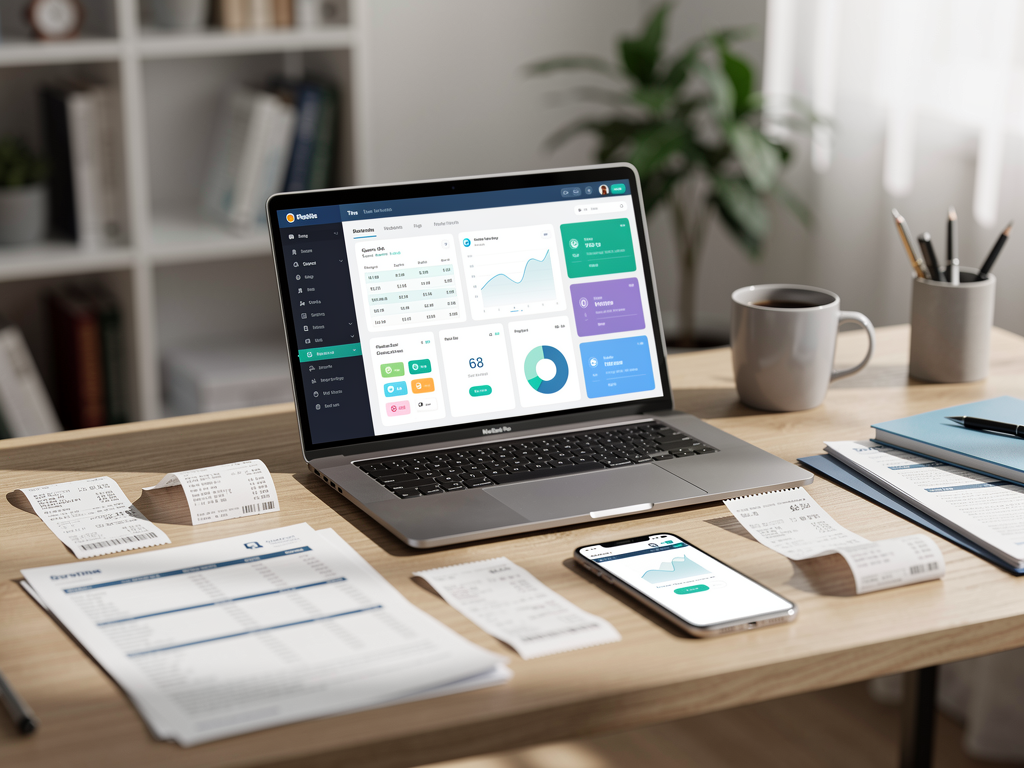

DIY bookkeeping is a straightforward trade: you save on a bookkeeper, and you spend more of your own time. The right software reduces that time by importing transactions, keeping receipts tied to expenses, and making tax prep more predictable.
This comparison covers three common options for freelancers and small businesses:
- QuickBooks: full accounting system
- ReceiptsAI: receipt capture + categorization automation (see: https://receiptsai.com/)
- Wave: low-cost accounting for simple businesses
Here’s what each tool is good at, who it fits, and how to pick based on how you actually run your business.
What DIY Bookkeeping Software Should Do (Minimum Viable Features)
 Comparison: QuickBooks, ReceiptsAI, and Wave infographic](https://bookkeepdiy.com/blog/content/images/2026/03/05_infographic-9.png)
Start with the basics. If a tool can’t do these reliably, you’ll likely outgrow it.
Core bookkeeping needs (most small businesses):
- Import transactions from bank and credit cards
- Categorize income and expenses (with rules)
- Attach receipts to transactions (audit-ready)
- Create and send invoices (if you bill clients)
- Run basic reports: Profit & Loss (P&L), Balance Sheet, Cash Flow
- Export for taxes or share clean access with a CPA
Nice-to-haves that save real time:
- Automatic receipt data extraction (vendor, date, total, tax)
- Mileage tracking
- Sales tax tracking
- A review queue for uncategorized items
- Accountant access and straightforward exports
For most freelancers, the time sink is receipts and categorization. For product businesses, it’s often inventory, sales tax, and multi-channel sales, which can push you toward a more complete accounting platform.
QuickBooks: Best All-in-One Accounting (and the Most Feature-Rich)
QuickBooks is widely used because it covers full accounting workflows, not just transaction tracking.
Strengths
- Complete accounting workflow: bank feeds, invoicing, bills, reporting, chart of accounts
- Accountant-friendly: most CPAs and bookkeepers support it
- Strong integrations: payroll, payment processors, ecommerce, expense apps
- Scales up: more accounts, contractors, loans, multiple cards without changing systems
Where QuickBooks Can Be Frustrating
- You still need to review and maintain rules. Automation helps, but it doesn’t remove oversight.
- It can be more than you need if you’re solo with one account and minimal expenses.
- Pricing can increase as you add features or users.
Concrete example: Freelance designer
You invoice 8–15 clients a month and pay for Adobe, stock photos, and occasional contractors.
QuickBooks can:
- Import card transactions for subscriptions automatically
- Apply rules like “Adobe” → Software Subscriptions
- Generate a clean P&L for quarterly tax estimates
- Track unpaid invoices and payments in one place
Best for:
- Businesses that want one system of record
- Owners who work with (or plan to hire) a bookkeeper/CPA
- Anyone who needs reporting beyond “money in vs. money out”
ReceiptsAI: Best for Receipt Capture + Categorization Automation
ReceiptsAI (https://receiptsai.com/) focuses on the part many owners put off: collecting receipts, extracting key details, and keeping expense documentation organized.
In practice, it’s often used as a specialized layer that captures receipts and structures the data, then feeds that into your bookkeeping process.
Strengths
- Fast receipt workflow: upload, email, or forward; key fields extracted
- Turns paper receipts and emailed confirmations into more consistent records
- Reduces end-of-month receipt catch-up
- Useful for travel, client meals, and higher receipt volume
Potential limitations to watch
- It may not replace a full accounting system. For many businesses, it functions best alongside one.
- Confirm upfront:
- How it exports or syncs with your accounting software
- Whether it supports your categories and tax treatments
- How it handles duplicates, refunds, split transactions, and tips
Concrete example: Mobile consultant with lots of expenses
You’re on the road: parking, meals, tolls, flights, supplies. Some expenses are reimbursed by clients.
ReceiptsAI can:
- Capture receipts from your phone immediately
- Extract merchant/date/total so you’re not typing everything in
- Keep documentation organized so you can:
- substantiate deductions
- find receipts quickly for reimbursements
- answer client questions (“What was this $48 meal?”)
Best for:
- Freelancers and owners with lots of receipts
- Anyone who wants less manual entry and more consistency
- Teams where multiple people spend money and you want standardization
Wave: Best for Simple Books on a Tight Budget
Wave is commonly chosen because it’s low-cost (often free for core accounting) and relatively easy to set up. For a straightforward service business, that can be enough.
Strengths
- Low-cost entry, often free for basic accounting
- Quick setup for simple income and expense tracking
- Works fine for basic invoicing and standard reports
Tradeoffs
- Not ideal for complex needs: advanced reporting, automation, inventory
- Fewer integrations and automation options
- You may outgrow it if you add multiple entities, contractors, or more complicated tax requirements
Concrete example: Solo tutor or coach
You have one bank account, low expenses, and invoices for hourly sessions.
Wave can:
- Track deposits and categorize expenses without much setup
- Produce a basic P&L for taxes
- Keep your books acceptable without another monthly subscription
Best for:
- Very small service businesses
- Freelancers with simple transactions
- Owners who prioritize low cost over automation and depth
Head-to-Head: Quick Comparison by Use Case
If you want the “accountant-friendly” standard
Choose QuickBooks.
You’ll benefit most if:
- You plan to hire a bookkeeper later
- You want detailed reports and consistent structure
- You have multiple accounts/cards and want tighter control
If you want to eliminate receipt busywork
Add ReceiptsAI (often alongside an accounting platform).
You’ll benefit most if:
- Receipts are your bottleneck (travel, meals, supplies)
- You want a cleaner audit trail without manual entry
- You’re tired of digging through email confirmations and photo rolls
If you want simple and inexpensive
Choose Wave.
You’ll benefit most if:
- Your books are basically “cash in, expenses out”
- You don’t need complex reporting or automation
- You want something lightweight you’ll keep up with
Practical Workflows (What “Good DIY” Looks Like)
Software helps. Process is what keeps things accurate. Here are setups that work in the real world.
Workflow A: Freelancer with moderate complexity (best balance)
QuickBooks + a receipt tool (like ReceiptsAI)
- Bank feeds import transactions
- ReceiptsAI captures receipts and stores documentation
- Weekly: review uncategorized transactions (15–30 minutes)
- Monthly: reconcile accounts and review P&L
Why it works: QuickBooks is your ledger. ReceiptsAI keeps receipts and expense data organized so reconciliation and tax support are easier.
Workflow B: Early-stage side hustle (minimum friction)
Wave alone (or Wave + basic receipt folder)
- Use one business bank account and card
- Categorize transactions weekly
- Store receipts in a simple folder structure:
- `2026 > 01-January > Meals`
- `2026 > 01-January > Software`
Why it works: low overhead, low cost, and organized enough for taxes.
Workflow C: Receipt-heavy operator (reduce time spent on admin)
ReceiptsAI + your accounting system (QuickBooks or Wave)
- Snap or forward receipts the same day
- Weekly: confirm categories/tags (reimbursable vs. deductible)
- Monthly: match receipts to transactions and export/share summaries with your accountant
Why it works: you reduce backlog, and documentation stays easier to retrieve if questions come up.
Questions to Ask Before You Choose
Use these questions to decide quickly without getting stuck in feature comparisons.
1. How many transactions do you have per month?
- Under ~100: Wave may be enough.
- 100–500: rules and automation start to matter (QuickBooks + receipt capture).
- 500+: prioritize automation and a clean review process.
2. Do you invoice clients and need A/R tracking?
- If yes: QuickBooks or Wave can work. QuickBooks tends to hold up better as you add complexity.
3. Do you have lots of receipts (travel, meals, supplies)?
- If yes: a receipt-focused tool like ReceiptsAI can reduce manual work quickly.
4. Do you work with a tax pro?
- If your CPA prefers QuickBooks access or exports, it’s usually easier to align with that workflow.
5. Will you need payroll, inventory, or sales tax later?
- If yes: QuickBooks is often the safer long-term choice.
Common Mistakes (and How These Tools Help Avoid Them)
Mistake: Mixing personal and business spending
- Fix: open a dedicated business bank account and card.
- Software helps, but it won’t clean up mixed spending automatically.
Mistake: Waiting until tax time
- Fix: weekly review plus monthly reconciliation.
- QuickBooks supports proper reconciliation. Receipt tools reduce missing documentation.
Mistake: Over-categorizing
- Fix: keep categories simple (10–20) unless your accountant asks for more.
- QuickBooks rules can enforce consistency. Wave keeps things basic by default.
Mistake: Not saving receipts
- Fix: use a consistent capture habit (photo, email-forwarding, uploads). Tools like ReceiptsAI are designed specifically to make that routine easier, especially for paper receipts and emailed confirmations.
Conclusion: Choose the Tool That Matches Your Admin Tolerance
- QuickBooks: best all-in-one accounting system for growing businesses that want standard, accountant-friendly books.
- ReceiptsAI: best when receipts are the pain point (travel, high volume, messy documentation), especially as a support layer to your accounting system.
- Wave: solid for simple businesses that want basic bookkeeping without paying much.
Actionable next steps (do this this week)
1. Estimate your monthly transaction volume (count items on a recent bank/credit card statement).
2. Pick one workflow (Wave-only, QuickBooks-only, or accounting + ReceiptsAI) and stick with it for 60 days.
3. Create 10–15 categories max (Advertising, Software, Meals, Travel, Supplies, Contractors).
4. Schedule a recurring money-admin block:
- 20 minutes weekly: categorize + attach receipts
- 45 minutes monthly: reconcile + review P&L
5. Run a tax-readiness test: can you produce last month’s P&L and pull receipts for the top 10 expenses in under 5 minutes?
If you can, your DIY bookkeeping setup is doing its job, regardless of the tool.



