
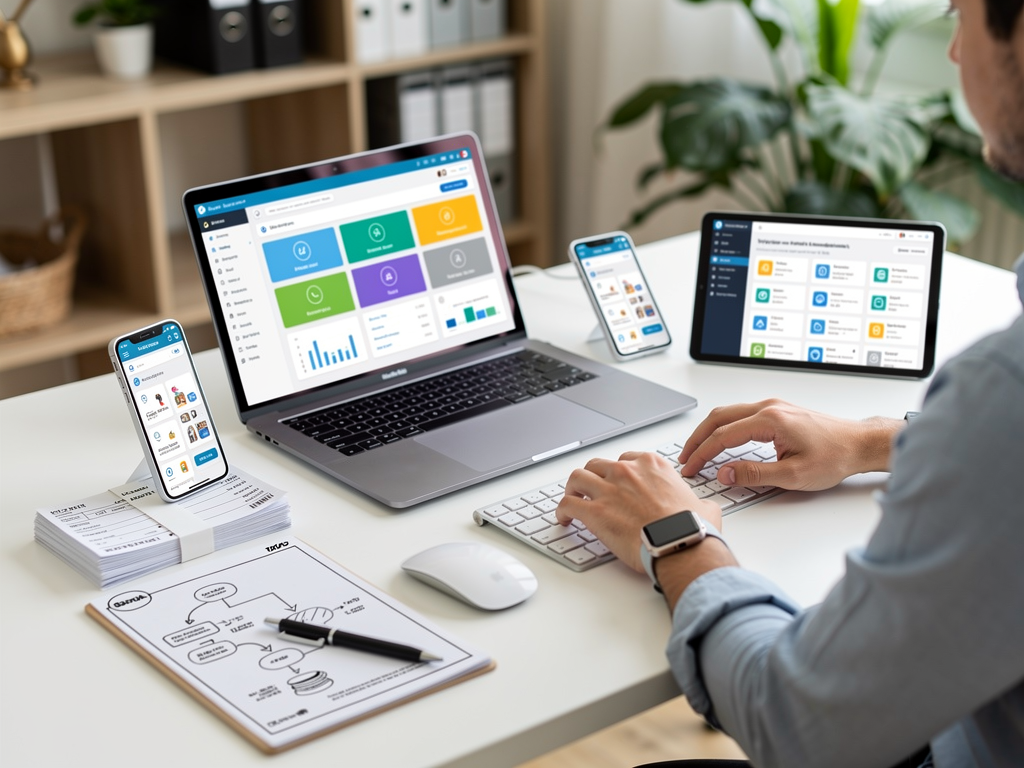

Most business owners spend their Sunday nights drowning in receipts and spreadsheets. Manual bookkeeping is not a badge of honor. It is a drain on your time and a liability for your business. If you are still typing data into cells, you are losing money. The goal of modern financial management is not just to "do the books," but to build a professional system that runs without constant manual intervention.
The landscape of financial management has shifted. We have moved past the era of manual data entry and into the age of the automated tech stack. By leveraging the right tools, you can transform bookkeeping from a reactive chore into a proactive strategy. This guide covers the top five automation tools that allow you to put your finances on autopilot. You will learn how to eliminate data entry, streamline approvals, and gain real-time insights into your cash flow.
1. QuickBooks Online: The Foundation of Automated Accounting
While there are dozens of accounting software options, QuickBooks Online (QBO) remains the industry standard because of its automation ecosystem. For a business owner, QBO acts as the central hub where all other tools connect. The primary engine of this automation is the Bank Feed.
In the past, you had to manually enter every transaction from your bank statement into a ledger. With QBO, you connect your bank and credit card accounts directly. The software pulls in transactions in real-time. The true power, however, lies in Bank Rules. You can program the software to recognize recurring transactions and categorize them automatically. If you have a monthly subscription to a service like Adobe, you can create a rule that tells the system: "Whenever a transaction contains the word 'Adobe,' categorize it as 'Software & Subscriptions' and mark it as 'Paid'."
Beyond bank feeds, QBO offers automated invoicing. You can set up recurring invoices for long-term clients. The system will automatically email the invoice on a specific date and send reminders if the payment becomes overdue. This eliminates the need for you to act as a debt collector.
The key to making QBO work is the initial setup. If your Chart of Accounts is messy, your automation will be messy. You need to ensure your categories are clean so the Bank Rules have a solid foundation. When done correctly, the software does 90% of the heavy lifting. You simply log in once a week to review and click "Confirm" on the transactions the software has already identified.
Practical Scenario: A freelance graphic designer bills three clients on a monthly retainer. Instead of manually creating three invoices every month, they set up recurring templates. On the first of every month, QBO sends the invoices. When the clients pay via the integrated payment link, QBO matches the payment to the invoice and deposits the funds. The entire transaction is reconciled without the designer ever touching the keyboard.
2. Dext: Eliminating Manual Data Entry and Paper Clutter
If you are still stuffing receipts into a shoebox or losing digital invoices in your inbox, you are wasting energy. Dext, formerly known as Receipt Bank, is an Optical Character Recognition (OCR) tool designed to eliminate manual data entry. It sits at the front end of your bookkeeping process, capturing financial data before it ever hits your accounting software.
Dext offers multiple submission methods. You can take a photo of a physical receipt with the mobile app, forward an email invoice to a dedicated Dext address, or link the tool directly to supplier portals like Amazon or your utility company to fetch invoices automatically. Once Dext receives a document, its AI extracts the supplier name, date, currency, tax amount, and total.
The automation reaches its full potential through the integration with software like QuickBooks Online or Xero. You can set up Auto-Publish rules for consistent suppliers. If you buy office supplies from the same vendor every month, Dext can extract the data and push it directly into your accounting software as a categorized expense. It also attaches a digital image of the receipt to the transaction.
This is critical for audit protection. If the IRS or a local tax authority requests documentation, you do not have to dig through files. Every transaction in your accounting software has a permanent, digital link to the original receipt. This level of organization is impossible to maintain manually at scale.
Practical Scenario: A small construction contractor picks up materials from various hardware stores daily. Instead of keeping a dashboard full of fading paper receipts, they snap a photo of each receipt before leaving the parking lot. By the time they get home, Dext has read the receipts, categorized them under "Job Materials," and synced them to their accounting software. They can discard the paper receipt immediately, knowing they are fully audit-ready.
3. [Bill.com](https://www.bill.com/): Streamlining Accounts Payable and Approvals
As a business grows, managing bills becomes a complex task of balancing cash flow and timing. Bill.com is the primary tool for automating the Accounts Payable (AP) and Accounts Receivable (AR) workflow. It acts as a digital bridge between your incoming bills and your bank account.
The automation in Bill.com starts with an intelligent inbox. Like Dext, it uses AI to read invoices. However, Bill.com excels in the workflow that follows. You can set up multi-stage approval routings. For instance, if an invoice is over $1,000, it might require approval from the business owner, while smaller bills are approved automatically. This creates a digital paper trail that is invaluable for internal controls and preventing fraud.
Furthermore, Bill.com automates the actual payment. You do not have to log into your bank to send a wire or write a paper check. You click "Pay" in Bill.com, and the platform handles the electronic transfer or mails a check on your behalf. It then syncs that payment back to your accounting software, marking the bill as paid and reconciling the entry.
Using Bill.com also protects your banking information. Instead of giving your bank login to an assistant or bookkeeper, you give them access to Bill.com. They can set up the payments, but you retain the final "Swipe to Approve" power on your mobile device. This keeps you in control of your cash without requiring you to do the administrative grunt work.
Practical Scenario: A boutique marketing agency uses ten different freelancers. Each month, the agency receives ten invoices. Instead of the owner manually paying each one, the office manager uploads them to Bill.com. The owner receives a notification, reviews the digital images of the invoices, and approves them with a tap. Bill.com sends the payments and updates the books. The owner saves hours of work and ensures no freelancer is paid late.
4. Fathom: Turning Data into Actionable Insights
Bookkeeping is not just about staying compliant with tax authorities. It is about understanding the health of your business. Standard Profit and Loss statements are often dry and difficult to interpret. Fathom is an automation tool that focuses on the reporting and analysis phase. It pulls data from your accounting software and transforms it into visual dashboards and comprehensive reports.
Fathom automates the creation of Key Performance Indicators (KPIs). You can set targets for metrics like Gross Profit Margin, Cash Runway, or Revenue per Employee. Every month, Fathom generates a report showing exactly how you performed against those goals. It eliminates the need to manually export data to Excel to create charts and graphs.
One of the most powerful features in Fathom is its "what-if" analysis. It can run scenarios automatically to show you how a 5% increase in prices or a 10% decrease in overhead would affect your bottom line over the next year. This moves bookkeeping from a backward-looking activity to a forward-looking strategy. For a business owner, knowing your "Cash Runway"—how many months you can survive without new revenue—is more important than simply knowing last month's expenses.
Practical Scenario: A SaaS startup needs to report monthly metrics to its investors. Instead of the founder spending a full day compiling data into a slide deck, they use Fathom. On the first of the month, Fathom pulls the numbers from the accounting software and populates a branded report package. It includes a cash flow forecast and a breakdown of customer acquisition costs. The founder spends ten minutes reviewing the report instead of ten hours building it.
5. Zapier: The Glue for Your Financial Ecosystem
While specialized tools are powerful, they often need to communicate with apps that are not strictly for accounting. This is where Zapier comes in. Zapier is an automation platform that connects over 5,000 different web apps, allowing them to share data through workflows called "Zaps." It is the essential tool for business owners who want to eliminate the gaps in their workflow.
Zapier works on a simple "Trigger and Action" logic. For example, you can create a Zap that says: "When a new sale is made in my Shopify store (Trigger), create a new sales receipt in QuickBooks Online (Action)." This prevents the need to manually export sales data and import it into your books.
The possibilities are extensive. You can connect your CRM, such as HubSpot or Salesforce, to your invoicing software. You can even connect a Google Sheet to your accounting app for custom tracking. If you use a specialized payment processor or a niche industry app that lacks a direct integration with QuickBooks, Zapier is the solution that ensures your data remains synchronized across all platforms.
By using Zapier, you ensure that no data has to be typed twice. Double entry is the enemy of accuracy. Every time a human has to copy a name, an email, or a dollar amount from one screen to another, there is a chance for a typo. Zapier removes that risk by moving the data digitally.
Practical Scenario: A fitness coach uses Typeform to sign up new clients and Stripe to collect payments. They set up a Zapier workflow: When a client completes the signup form, Zapier creates a "Customer" profile in their accounting software. When the Stripe payment is successful, Zapier records the payment against that customer. The coach never has to manually type a client's name or address, ensuring their customer database is always accurate.
Conclusion: Professionalizing Your Finances
Transitioning from manual bookkeeping to an automated system is a shift in mindset. By implementing tools like QuickBooks Online, Dext, Bill.com, Fathom, and Zapier, you move from being a data entry clerk to a financial strategist.
The initial setup of these tools requires an investment of time, but the dividends are paid back every month. You will no longer fear the end of the month or the arrival of tax season. Instead, you will have a clear, real-time view of your financial health, allowing you to make decisions based on data rather than guesswork.
Do not try to implement all five at once. Start with one tool, perhaps Dext for receipts or QuickBooks for bank feeds. Once that process is seamless, add the next layer of your automation stack. Professional bookkeeping is about consistency and systems. Build the system, and the books will take care of themselves.



