Finlens
Categorize QuickBooks Online activity and draft prepaid, depreciation, and Stripe entries that post back after you approve them.
- Starting price
- Free dashboards; AI Accounting $49/mo
- Pricing
- Freemium
- Works with
- QuickBooks Online
- Pricing checked
- October 21, 2026
Our take
- Best for
- A US founder or firm that already keeps the books in QuickBooks Online and wants categorizations, prepaids, depreciation, and Stripe recognition drafted back into that file.
- Not ideal if
- You need Xero, you want Finlens to be the ledger, or your spend is over $100,000 a month or spread across more than three banks unless you take the custom Flexible plan.
- Standout
- Stripe revenue recognition and prepaid or depreciation schedules are drafted against your QuickBooks Online chart of accounts, and you can hold them until you approve.
About Finlens
Finlens sits on QuickBooks Online. You connect that company plus bank, card, and Stripe feeds. On the AI Accounting plan it categorizes transactions, reads bills and receipts, and drafts accrual, prepaid, depreciation, and Stripe revenue-recognition entries against the chart of accounts you already use. You approve them, or you turn on posting on a schedule. Approved entries post back into that QuickBooks Online file. A multi-entity rollup can match intercompany balances, but those eliminations stay in Finlens and do not post into the entity files. QuickBooks Online stays the ledger.
It does not replace QuickBooks Online, and the terms do not list a Xero connection. Booke does the repeat work inside QuickBooks Online or Xero. Botkeeper is the firm product with a published price per client entity, and it connects to Xero as well as QuickBooks Online. Kick is a ledger you would move to. Finlens's free Starter plan is runway, burn, and cash-flow dashboards for one user and one bank. AI categorization is not on that plan.
Firms and founders who stick already live in QuickBooks Online and want prepaids, depreciation, and Stripe recognition drafted next to the file instead of in a workbook. Terms name OpenAI and Anthropic for the AI features and say you are responsible for reviewing the output. High-confidence lines can clear without a click if you leave that on. Prepaid and depreciation entries can wait for approval or post on a schedule.
Pricing
Starter is $0 for dashboards only: one user, one bank, up to $50,000 a month in expenses, no card. A struck-through $49 is on that card. AI categorization is AI Accounting at $49 a month, up to $100,000 a month in expenses, three bank accounts, and unlimited users. A struck-through $99 is on that card, and the button is Book a Demo. Flexible adds a CPA and monthly bookkeeping at a custom price. The firm Scale plan has no published dollar. Terms updated September 24, 2026 say fees are non-refundable and invoices are due in 30 days unless the plan says otherwise.
Starter
A founder who wants runway, burn, and cash flow before any AI coding. The card shows a struck-through $49.
- Up to $50,000 a month in expenses
- 1 bank account and 1 user
- Runway, burn, and cash-flow dashboards
- No credit card, email support
- No AI categorization
AI Accounting
A QuickBooks Online company that wants categorization and live insights. The card shows a struck-through $99, and the button is Book a Demo.
- Up to $100,000 a month in expenses
- Up to 3 bank accounts
- Unlimited users
- AI categorization and Slack support
- MRR, ARR, burn, and vendor spend
Flexible
Founders who want a CPA and monthly bookkeeping on top of the software.
- Everything in AI Accounting
- Stripe reconciliation
- Monthly bookkeeping included
- Unlimited banks, cards, and integrations
Scale
A CPA firm closing many client files. The page says to talk to them. No dollar is listed.
- Multi-client switching
- Dedicated onboarding and migration help
- Priority support and an optional account manager
- Additional AI features on request
How it hits your books
- Replaces your ledger
- No
- QuickBooks Online
- Yes
- Xero
- No
- Multi-entity
- Partial
- Inventory
- No
- 1099s
- No
- Payroll
- No
You still close in QuickBooks Online. Finlens drafts categorizations, prepaids, book depreciation, and Stripe recognition. You approve them, or you allow scheduled posting. Multi-entity eliminations stay in Finlens and do not change the entity files. Exceptions still need a person.
The file your CPA opens is QuickBooks Online. Finlens can also hand over a fixed-asset register: it posts the book column, and MACRS, Section 179, and bonus stay with the preparer. Tax filing and 1099s are a separate services pitch, not the $49 plan. It does not e-file the return.
What people who used it say
What they tend to like
The firm keeps the coding judgment
A small QuickBooks Online practice writeup says Finlens categorizes against that client's chart of accounts and the reviewer approves or fixes, with no vendor reviewer in the middle.
What they hesitate about
QuickBooks Online only
A roundup from the same forum says Finlens does not help clients on Xero or Sage. That matches the product terms, which name QuickBooks Online and do not name Xero.
Features
- Review categories, then post to QuickBooks Online
- Connect QuickBooks Online. On the AI Accounting plan, Finlens categorizes transactions and scores confidence. The use-case page says nothing posts until you approve. The homepage also says high-confidence work can clear on its own. Terms say the AI output is for you to review, and the providers named are OpenAI and Anthropic. This is not on the free Starter plan.
- Draft prepaid and depreciation entries
- Prepaid schedules are built from bills already in QuickBooks Online. Fixed assets are proposed from purchases over your capitalization threshold, with the source bill attached. You approve the monthly book-depreciation entry, or you let it post on a schedule. Finlens posts the book column. MACRS, Section 179, and bonus depreciation stay with your tax preparer.
- Write Stripe revenue recognition into QuickBooks
- Each workspace connects one Stripe account. Finlens splits annual or multi-month charges into the amount earned each period, keeps fees and refunds out of revenue, and prepares the journal entry against your chart of accounts. You review it before it posts, or you let it post on a schedule. A second Stripe account means a second workspace.
- Consolidate QuickBooks companies without posting eliminations
- Finlens reads each QuickBooks Online company through the API and maps accounts to one structure. Intercompany pairs that agree are eliminated in the consolidated view. Eliminations do not post back to the entity files. The pricing cards do not say which plan includes this.
- Pull bills from email or a bulk upload
- The homepage says bills, invoices, and receipts can come from Gmail, email parsing, or a bulk PDF, CSV, or XML upload. Finlens extracts vendor, amount, date, and line items and maps them to your chart of accounts. You still review before the entry posts.
Images
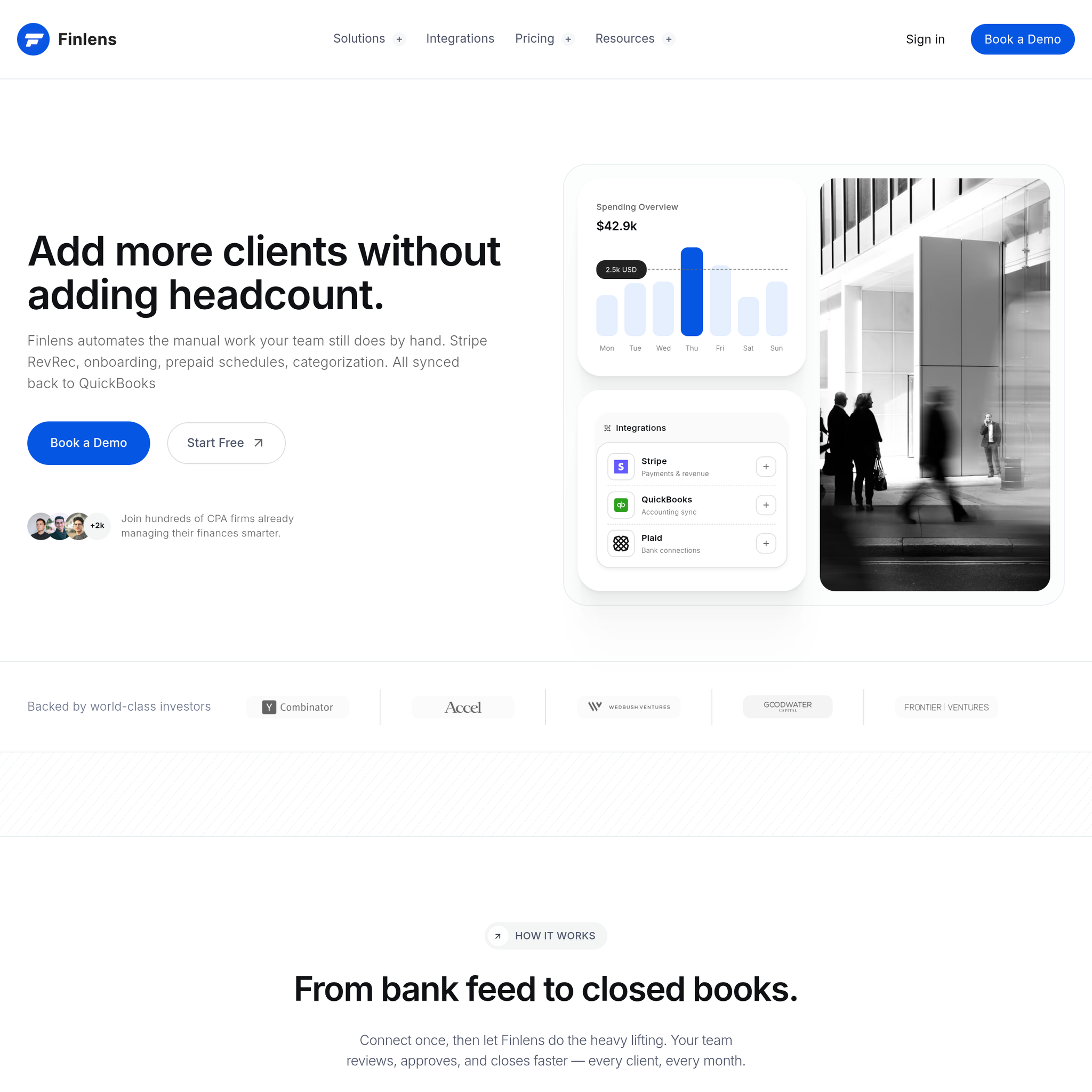
Integrations
Platforms
Audience
Pick something else instead of Finlens
Booke
Pick Booke instead if the AI should work inside QuickBooks Online or Xero, including Xero files, rather than in a second dashboard that only documents QuickBooks Online.
Botkeeper
Pick Botkeeper instead if the firm wants a published price per client entity and a Xero connection, and can live with a review queue that may include their reviewers.
Kick
Pick Kick instead if you want the books to live in Kick, not in QuickBooks Online with another layer on top.
Ready to try Finlens?
Check the live pricing page before you sign up. Plans change.